Your account, data and privacy
Most of what Feedhood knows about you is never shown to anyone. The exceptions are small, deliberate, and listed here so you are not guessing.

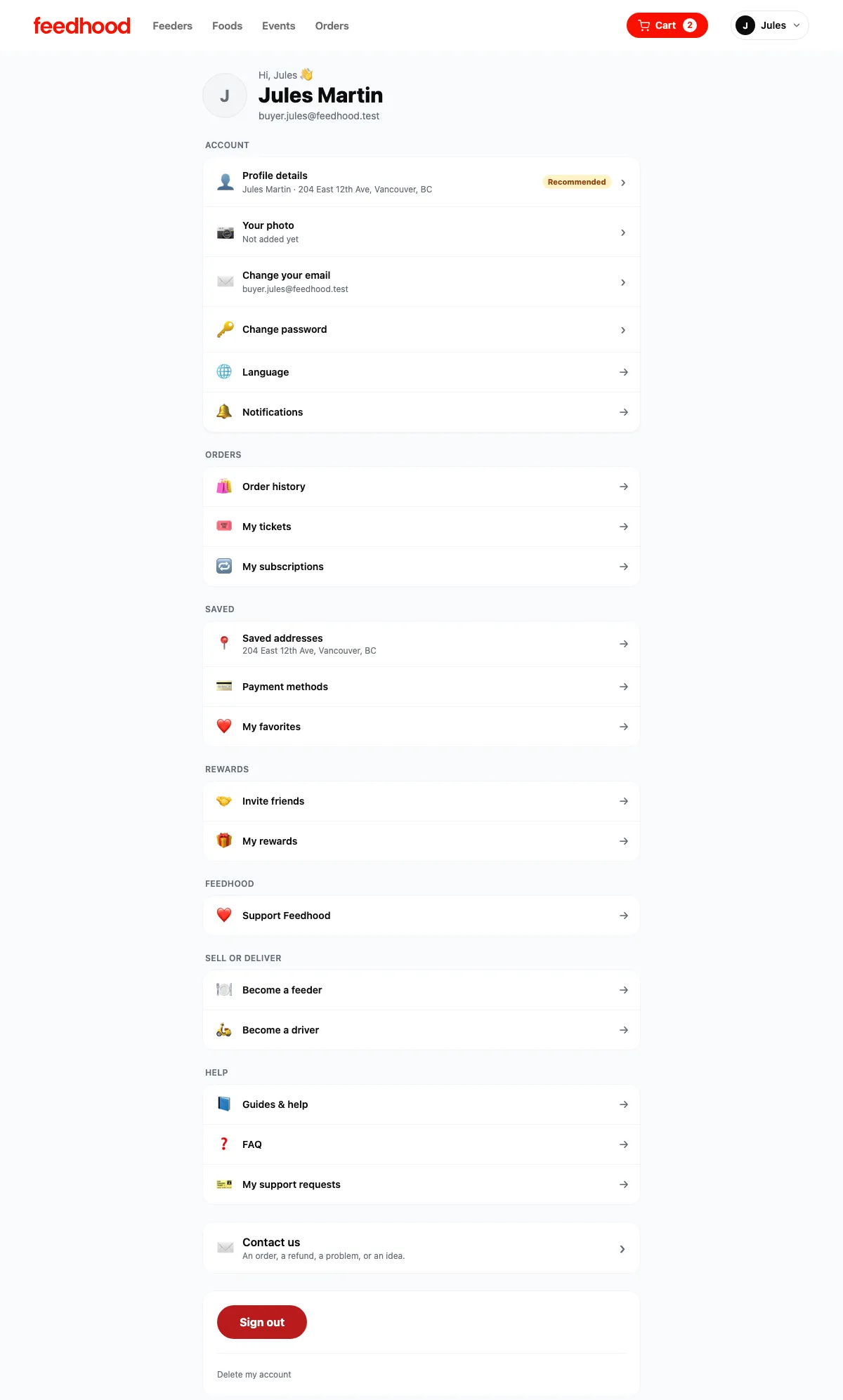
Your account: your details, your email and password, and everything you can reach from them.
Captured from feedhood.com. The phone view is the site at 390px wide. The Feedhood app does the same jobs and may look a little different.
What other people can see
| Thing | Buyers see | Kitchens see | Drivers see |
|---|---|---|---|
| Your name | Reviews you write | On your orders | On a delivery to you |
| Your address | No | On a delivery order | On a delivery to you |
| Your phone | No | On an order, to reach you | During an active delivery |
| Your email | No | No | No |
| Your card | No | No | No |
| A kitchen’s address | Only if they show it | N/A | On a pickup |
| A host’s dine-in address | After the booking is confirmed | N/A | N/A |
| A driver’s profile | On an active delivery | When choosing a driver | N/A |
What catches people out
Orders are shared records. A kitchen’s sales history and a driver’s earnings are built from them, and both have tax obligations. Your personal details come out; the transaction remains as an anonymised row.
Both live with Stripe. We are told whether a payment succeeded and whether an account can receive payouts, and nothing beyond that.
That is the point of them. An anonymous review is worth much less to the next neighbour. Nothing else you do on Feedhood is public.
Read next
Still stuck?
Nothing here is a substitute for a person reading your actual problem. We answer every message, usually within 1 to 2 business days.