Build your menu
A dish needs a name, a price and a category. Everything else (photos, options, quantity pricing, stock, allergens) is optional and each one is there because it removes a question a buyer would otherwise ask you.
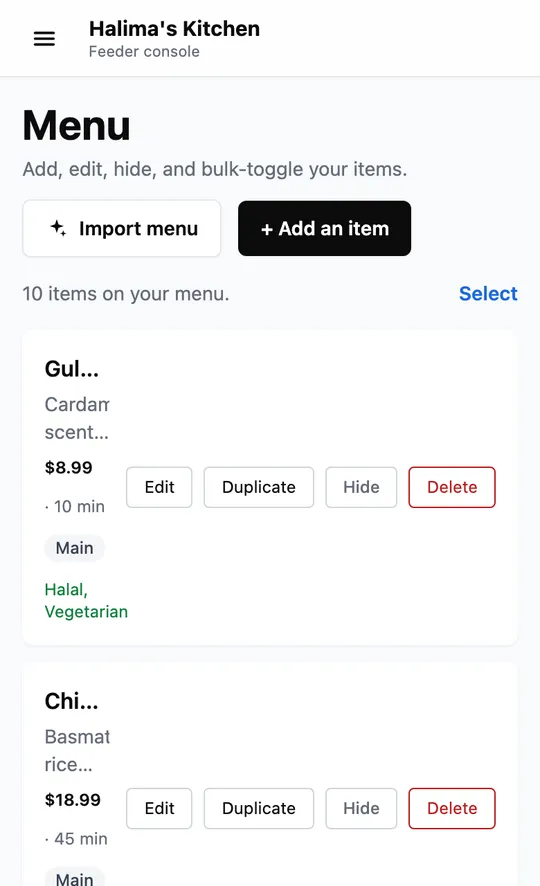
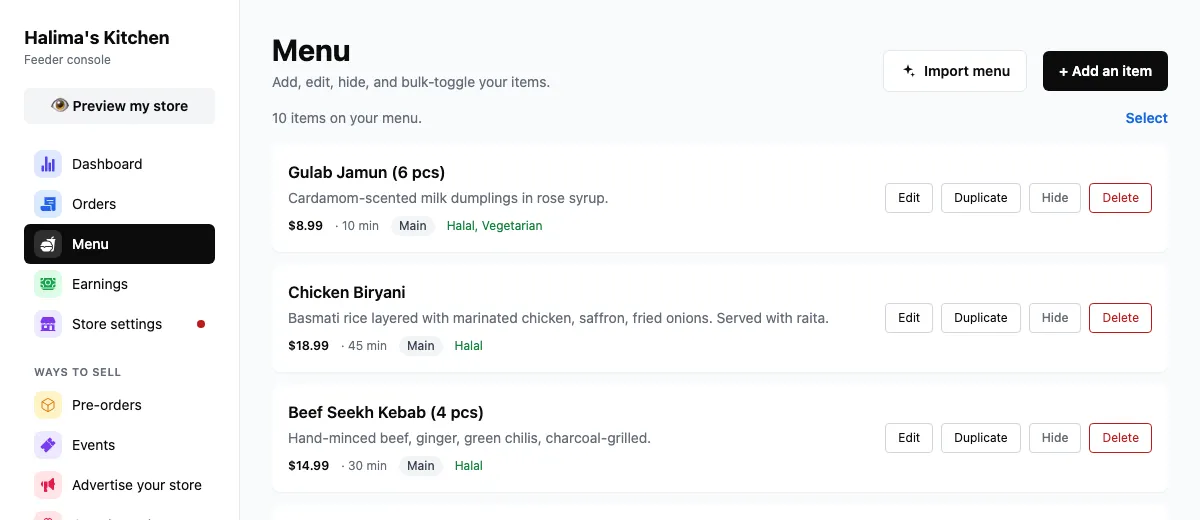
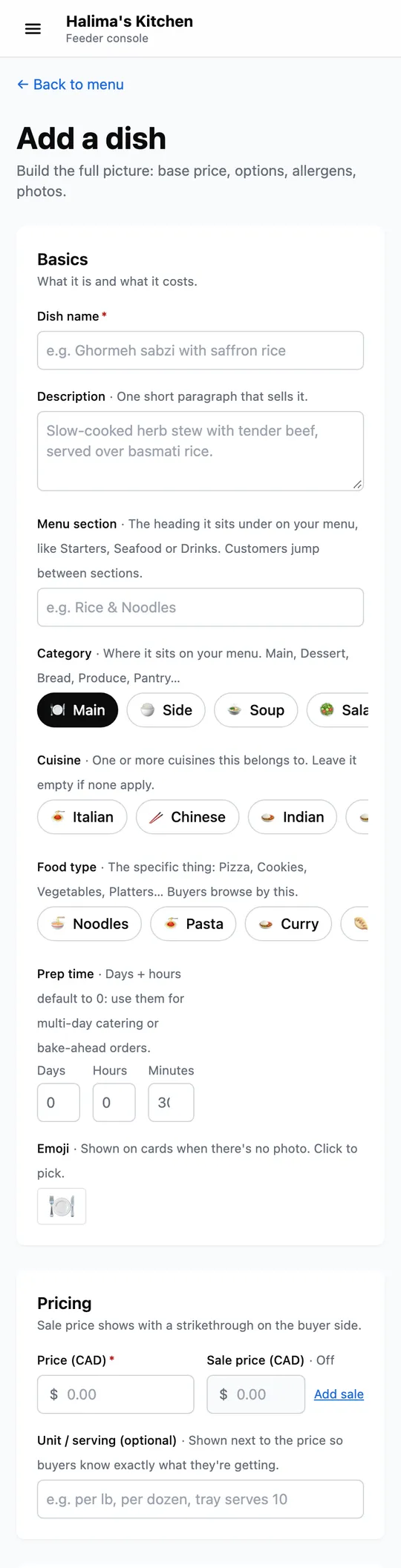
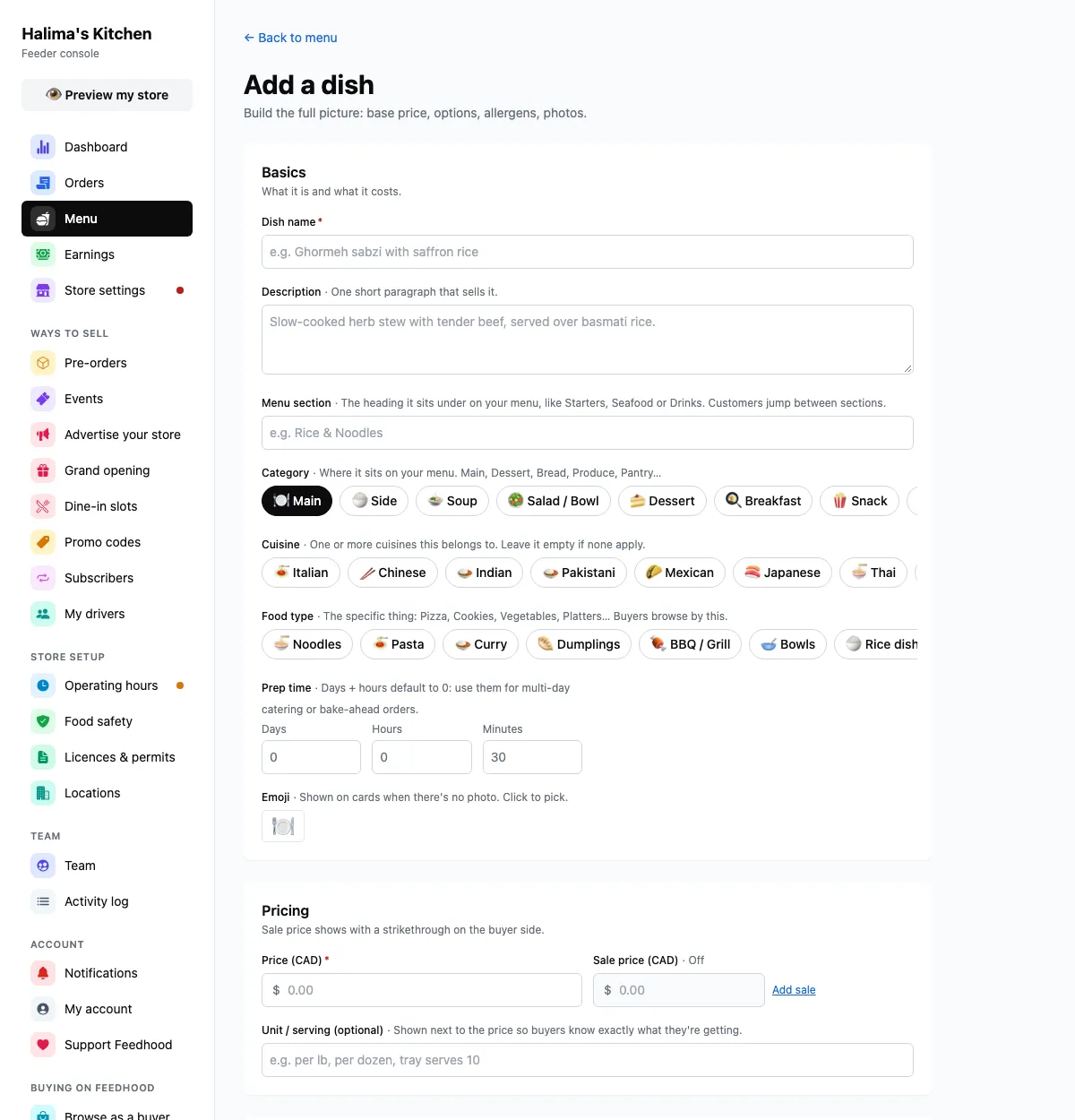
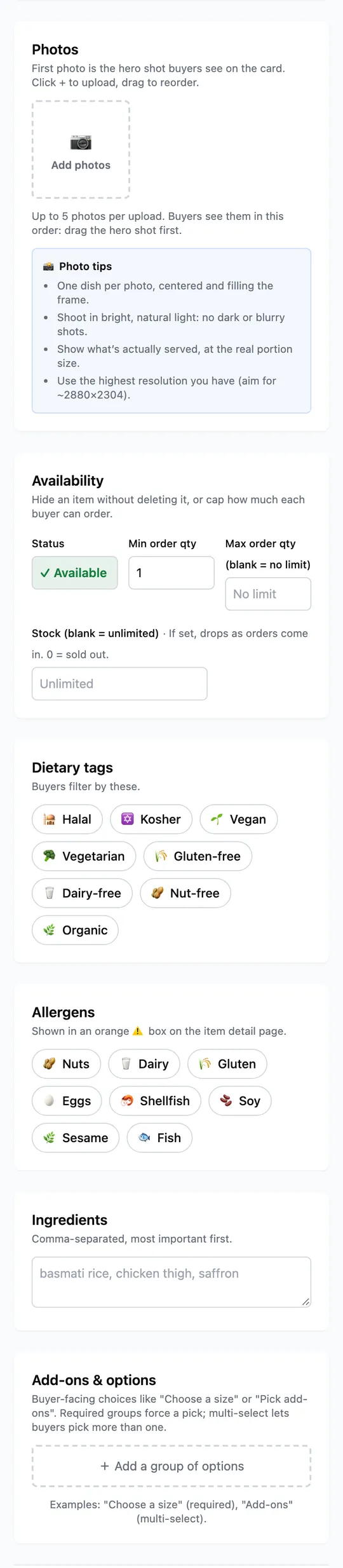
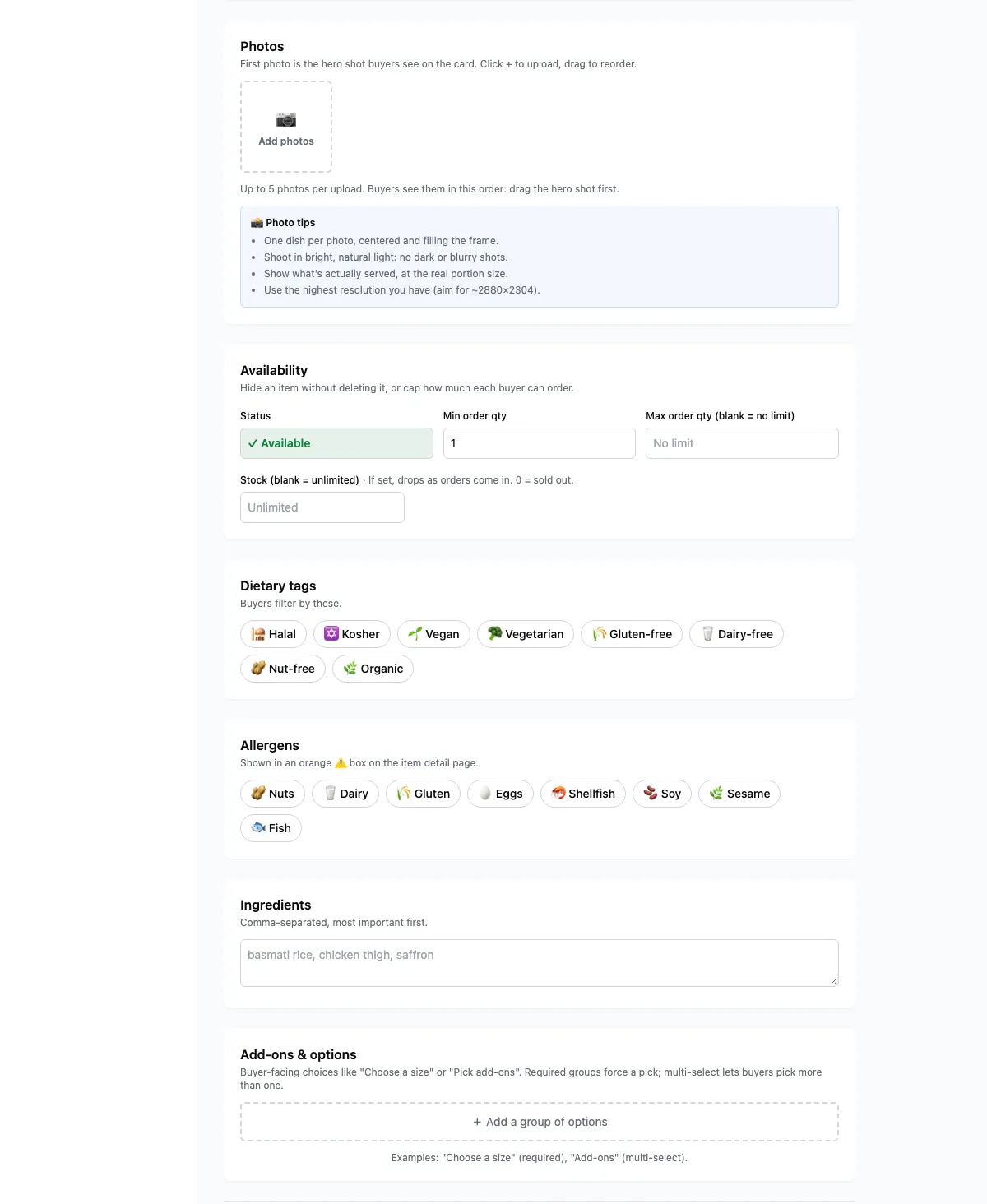
Your menu. Import a whole one, or add a dish at a time.
Captured from feedhood.com. The phone view is the site at 390px wide. The Feedhood app does the same jobs and may look a little different.
Worth knowing
- Photos per dish
- Up to 5
- Quantity pricing
- Supported
- Cheaper per unit above a threshold. Add a quantity break on the dish.
- Bulk import
- Website, spreadsheet, text, photo or PDF
- Menu → Import menu. Up to 400 dishes at once, with their sizes and add-ons.
What catches people out
Past orders keep their own snapshot of what was bought and what it cost. The dish simply stops appearing on the menu, and you can restore it from Recently deleted.
A sale price is on the dish and everyone sees it. A promo code is typed at checkout. They can be run at the same time and they do different jobs.
The dish form has an Alcohol switch. Buyers confirm they are of age, Feedhood couriers never carry it, and your licence has to be approved first. Licences and permits has the steps.
Reading a website, pasted text, a photo or a PDF uses AI. The first few reads each month are free; after that each read has a small fee, shown before you press the button. There is nothing to pay at the time: the fee is added to your Feedhood balance and taken from your sales once you start selling, never from a card, and only when something was found. A spreadsheet and a Shopify store are read without AI and never cost anything.
Read next
Still stuck?
Nothing here is a substitute for a person reading your actual problem. We answer every message, usually within 1 to 2 business days.