Your store link and QR code
Every Feedhood store comes with its own link and a printable QR code, free, from the day you open. The link goes in a bio, a message or an email; the code goes on a card, a jar or a window, and a phone camera opens your menu straight from it. Both live on your store settings page.
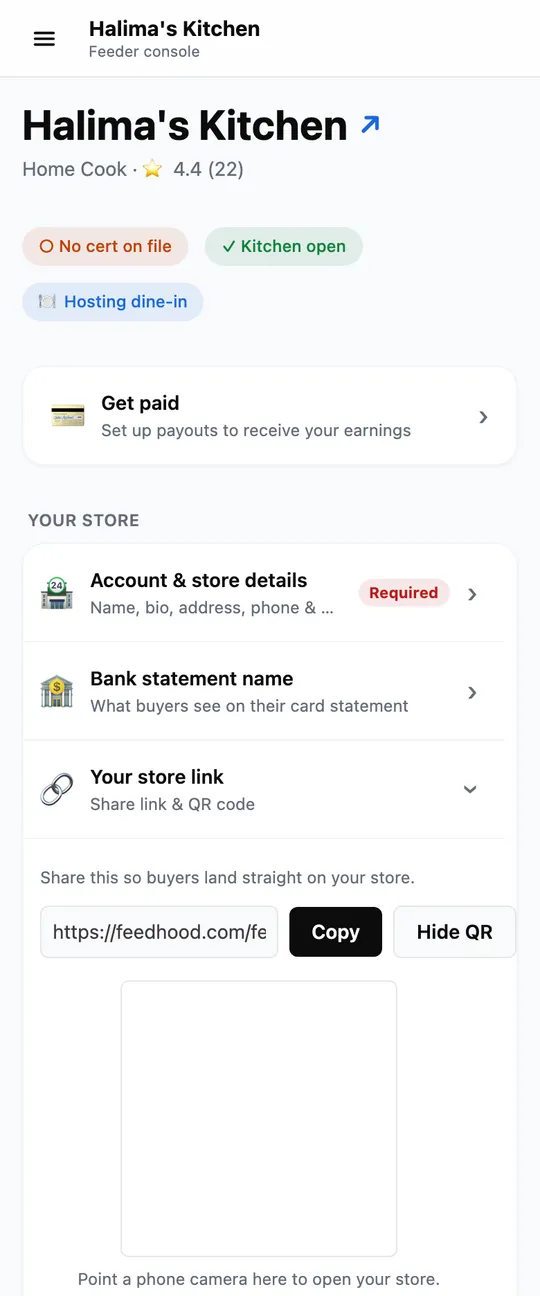
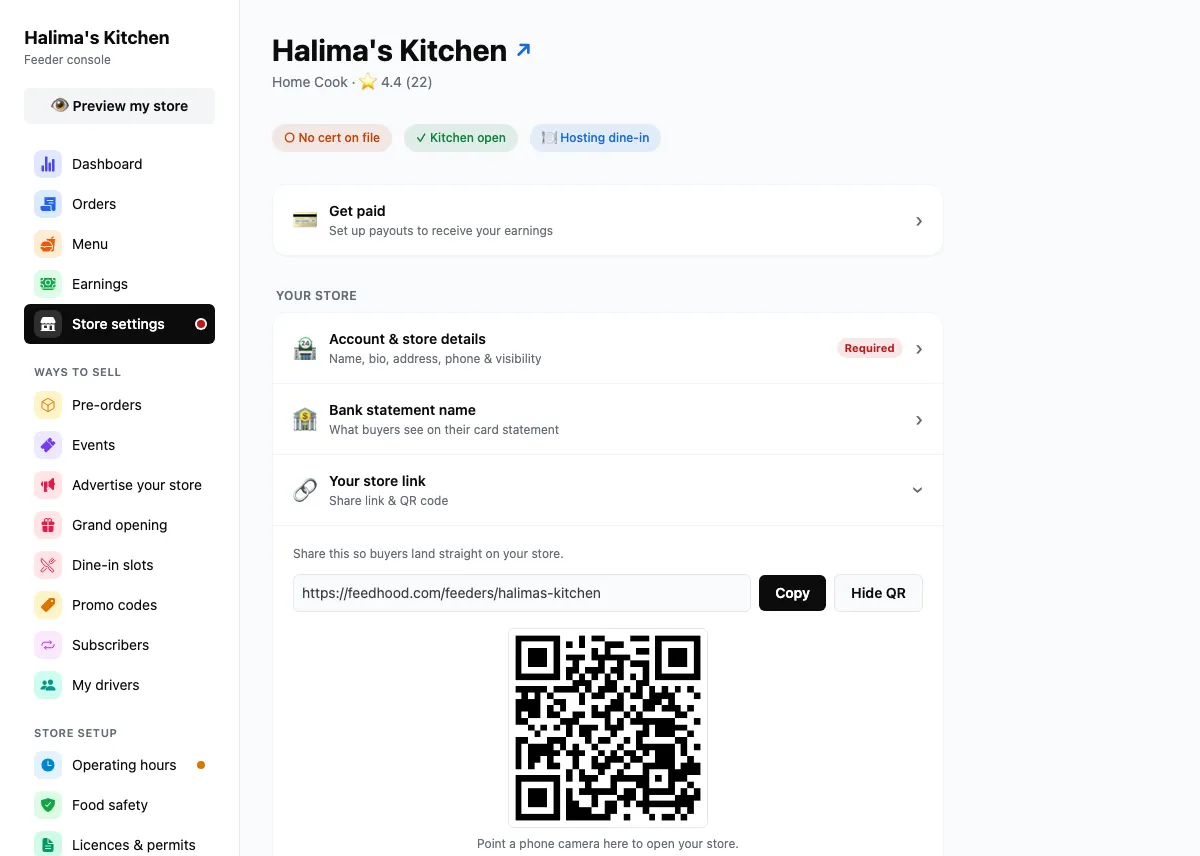
Your store link, and the QR code that opens it.
Captured from feedhood.com. The phone view is the site at 390px wide. The Feedhood app does the same jobs and may look a little different.
Worth knowing
- Cost
- Free
- Both, on every kitchen, always.
- Does the link ever change?
- No
- Renaming your store keeps the old link working.
- Custom web addresses
- Not open yet
- yourkitchen.com pointing at your store is part of a paid plan we are not selling.
What catches people out
It is part of a paid plan we have not opened, so no kitchen has one today. If you want it, tell us from Support. We count who asks, and that is what decides when it opens. Nothing you share now is wasted: your store link keeps working either way, and it would keep working alongside a domain.
Open your own camera and scan it. You should land on your menu, signed out, exactly as a stranger would.
Read next
Still stuck?
Nothing here is a substitute for a person reading your actual problem. We answer every message, usually within 1 to 2 business days.