Set up your store page
Your store page is what a neighbour decides on. The required setup gets you open; this is what makes somebody choose you over the kitchen next to you. It all lives in Store settings, one row at a time.
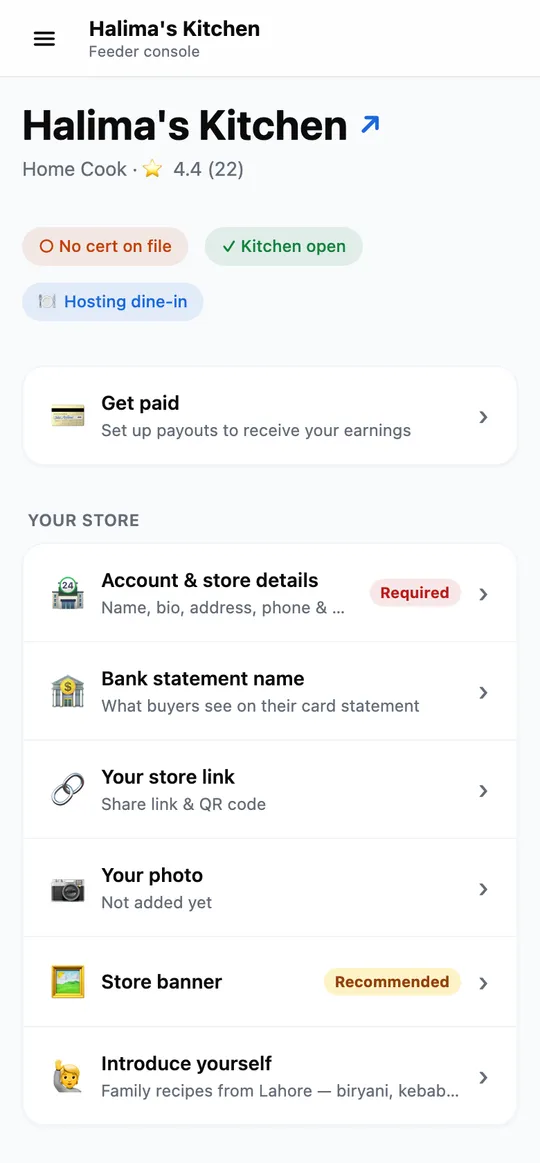
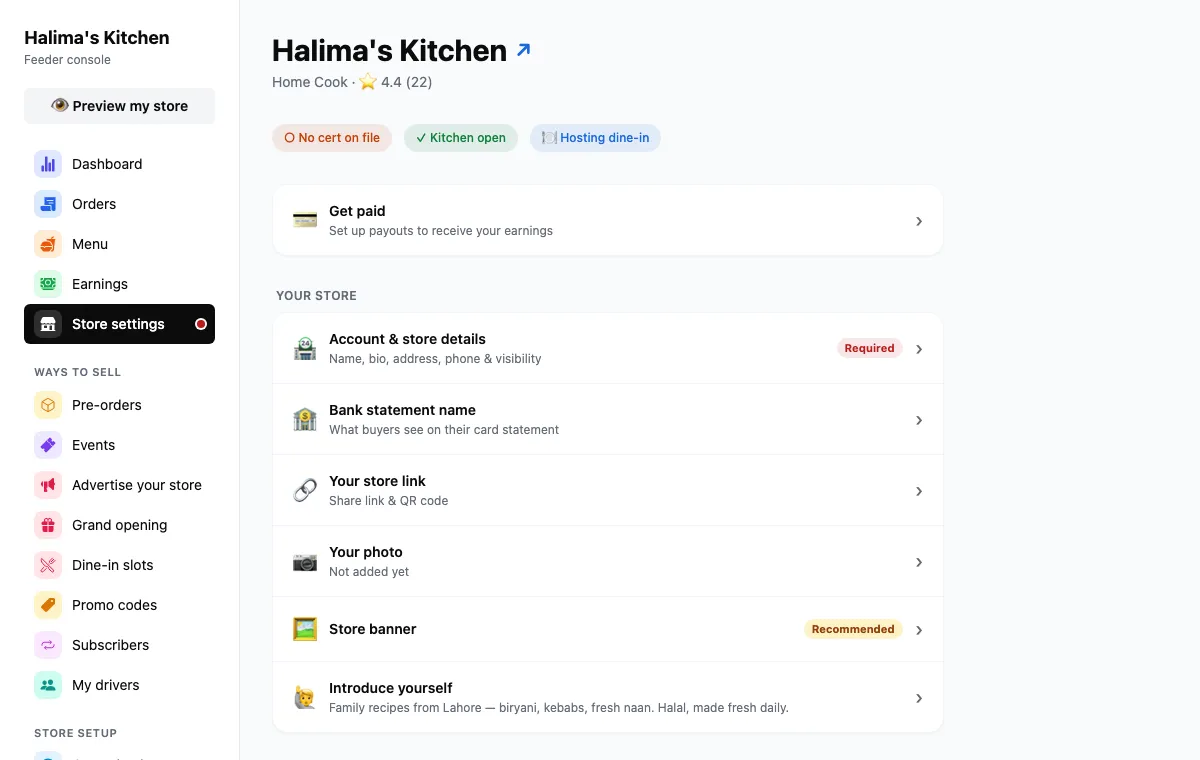
Store settings is a list. Each row opens where it is.
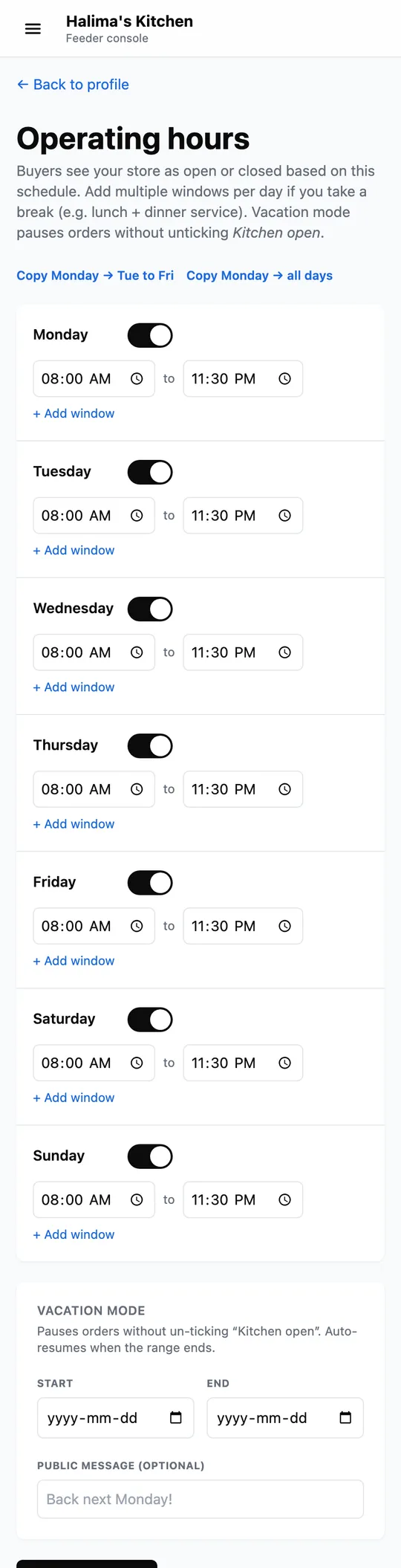
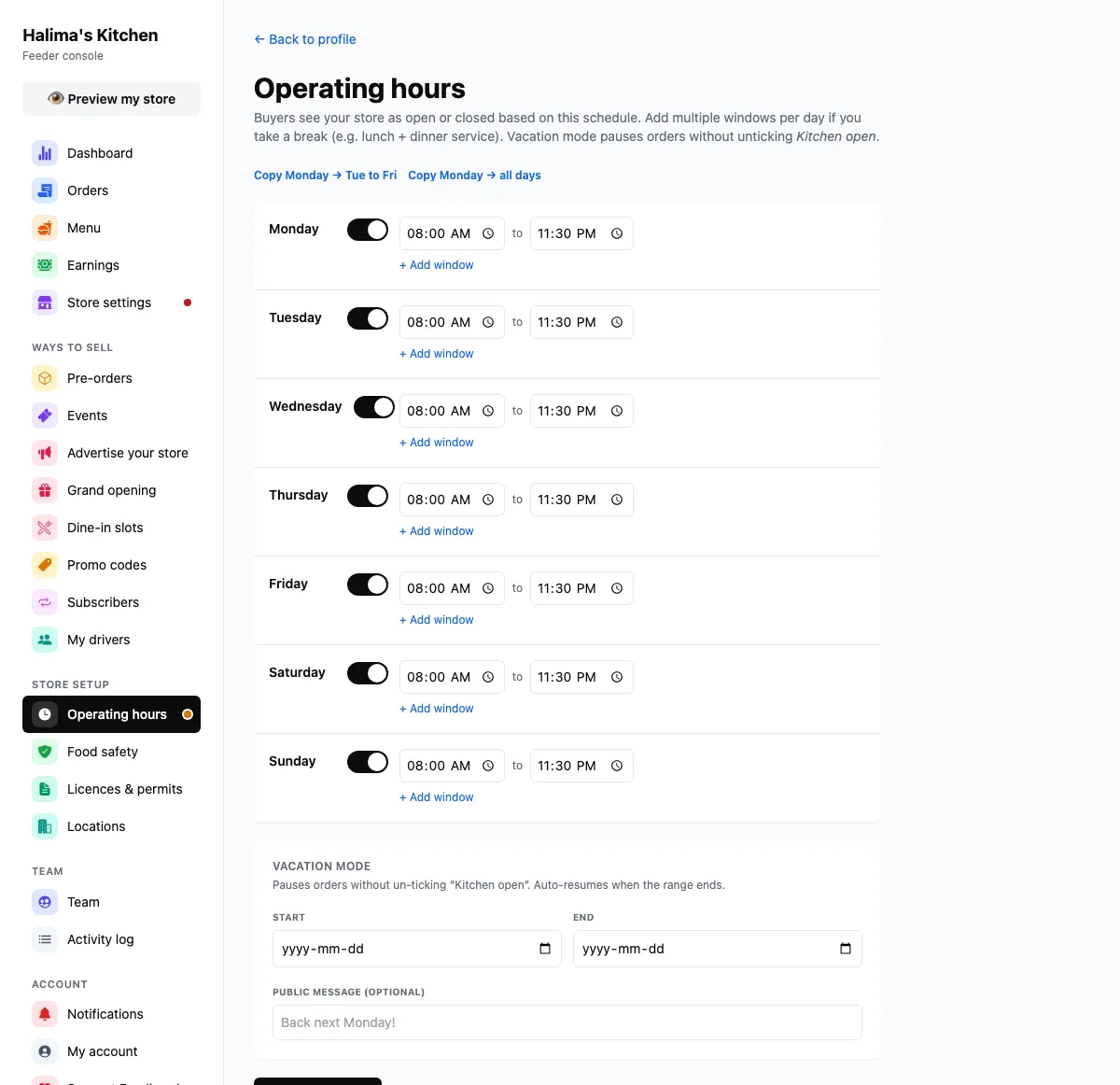
Captured from feedhood.com. The phone view is the site at 390px wide. The Feedhood app does the same jobs and may look a little different.
What catches people out
There is also an open and close switch for the day itself. Hours say when you normally trade; the switch is for the afternoon you run out of food.
An empty slot falls back to a category design. It is fine, and a real photo of your food converts better than any of them.
Buyers who cannot place a charge on their statement dispute it with their bank. Store settings → Bank statement name lets you set a short name they will recognise.
Read next
Still stuck?
Nothing here is a substitute for a person reading your actual problem. We answer every message, usually within 1 to 2 business days.